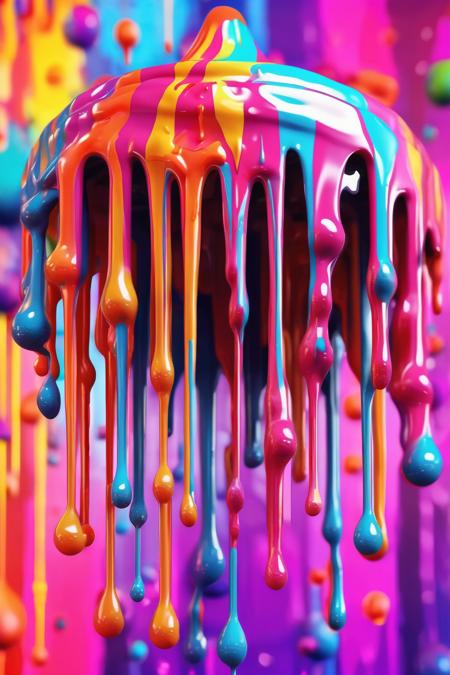
How to use KappaNeuro/dripping-art with Diffusers:
pip install -U diffusers transformers accelerate
import torch
from diffusers import DiffusionPipeline

# switch to "mps" for apple devices
pipe = DiffusionPipeline.from_pretrained("stabilityai/stable-diffusion-xl-base-1.0", dtype=torch.bfloat16, device_map="cuda")
pipe.load_lora_weights("KappaNeuro/dripping-art")

prompt = "Dripping Art - large drip token logo. Dripping into psychedelic world."
image = pipe(prompt).images[0]
https://huggingface.co/KappaNeuro/dripping-art/resolve/main/2322189.jpeg
hf download hf://KappaNeuro/dripping-art/2322189.jpeg
curl -L -o 2322189.jpeg https://huggingface.co/KappaNeuro/dripping-art/resolve/main/2322189.jpeg